
Before you leave Harlowe
Follow the story until Harlowe asks you to locate an abandoned Cloud Cruiser. Take fuel, food, charged tools and a repaired Utility Wasp. You will need the Stunner for electrical coils and the Welder for repairs along the progression chain.
This route follows public launch-build EA gameplay. The core sequence is shown in EA 1.0-3 footage; the recovery notes below describe later official fixes. Use the prompts displayed in your own build if bindings differ.
1. Locate the abandoned Cloud Cruiser
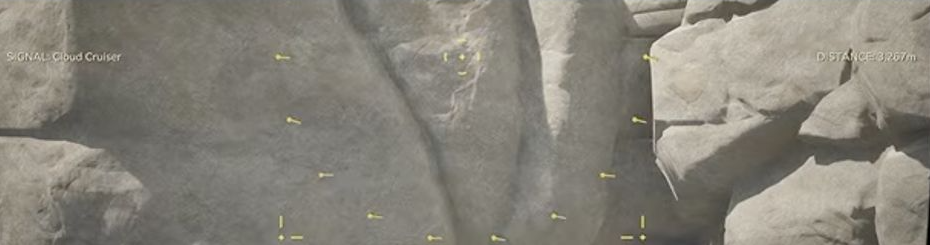
Equip the Spotting Scope after receiving the objective. Cycle its presets to Cloud Cruiser, then mark the detected target and follow its marker. In the recorded PC controls, G cycles presets. The shown distance is specific to that player’s position, not a fixed distance for every save.
2. Find the core and obtain a Hauler
Search Screecher Peak when the core objective directs you there. At the facility, power the door/control route and operate the hangar switches. A Utility Wasp cannot do the Hauler’s heavy-lift job.
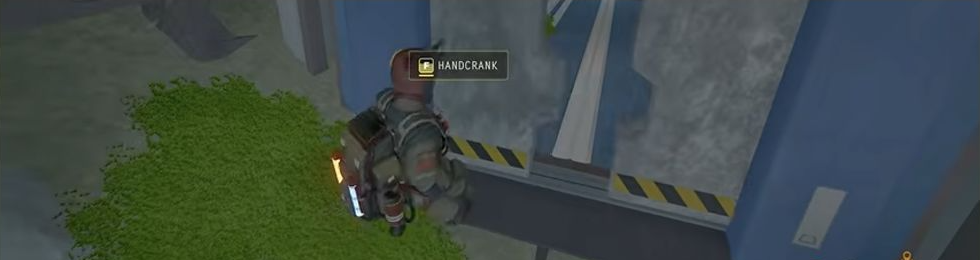
The Hauler access route uses a keycard. In the recorded route, the player checks the blue structure’s electrical coil, then notices a hand crank on the nearby door; the card is inside. Use that card on the logistics hangar’s locked door. This is the Hauler route, separate from the later Striker keycard at Fort Hannigan.
Inside the logistics hangar, use the Hauler magnet to move the object blocking access to the controls, then operate the hangar switches so the aircraft can leave.
3. Lift the reactor core
Open the crashed ship’s hatch to expose the core. Position the Hauler directly above it, lower the hoist, engage the magnet and raise the load. The recorded controls are 2: lower, 3: magnet, 1: raise; follow your displayed controls if remapped.
Check that the core is actually attached before flying away. Watch the lift.
4. Use the top loading bay, then install the core
Bring the load to the top loading bay of your Cloud Cruiser. In the video, approaching opens that bay. Lower the core into it, release the magnet and retract the hoist. Trying to push the suspended core through the side entrance is the wrong approach in this demonstrated route.
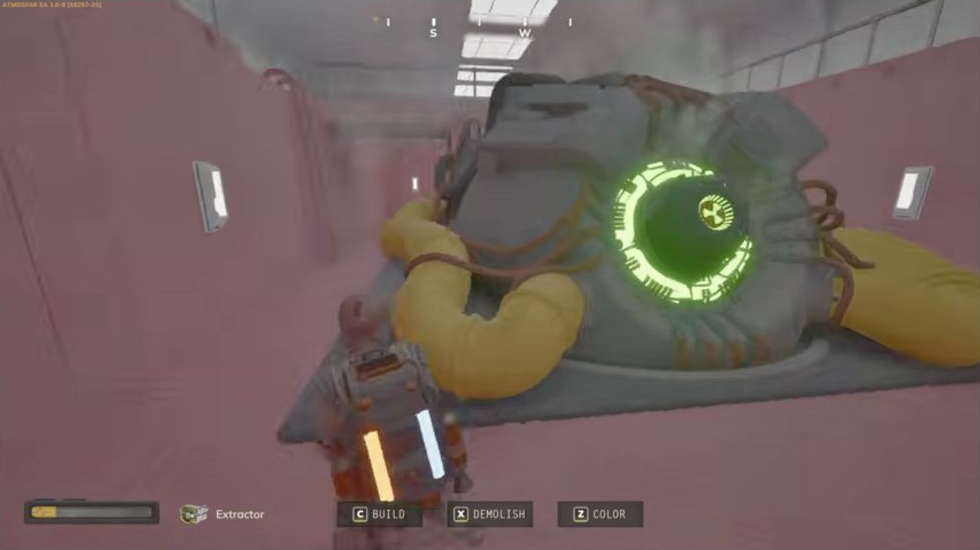
Land safely, stop the Hauler and enter the Cruiser. Go down to the reactor and use its Load core prompt. Delivering the physical load and installing it are separate steps. The recorded interaction uses F.
5. Restore thrust and lift before taking the helm
Open the Cruiser build panel and satisfy the repair objective for hull, thrust and lift. Add fuel production/storage as the tutorial requests, then take the helm. An installed core alone does not make the ship airworthy.
The video reaches the helm at 44:46 and later shows the Cruiser moving at 15 km/h. For a ship that has fuel but will not accelerate, use power, fuel and thrust checks.
Core lost, stuck or sent far away?
Official patches 1.0-8 and 1.0-9 address several core respawn, distance and extraction problems. The 1.0-9 announcement says some affected existing saves need a save and reload to trigger the core respawn. That is a specific recovery note, not a guarantee for every missing core.
Read the 1.0-9 recovery note. Keep your working save; do not delete it to repeat the tutorial.